

Various seals of approval have been established to ensure that buyers also trust small stores. The best-known seal of approval is “Trusted Shops”. The protection helps in case of non-delivery and loss of return. In this guide, we will show you how online stores can benefit from the individual features and displays using the Trusted Shops widget plug-in.
Setting up the widgets
The Trusted Shops widgets enable the display of the trustbadge, the collection of customer ratings as well as the integration of the TrustedShops buyer protection. Registration with Trusted Shops is required to use the plug-in.
Trusted Badge
The Trusted Shops seal of approval shows the consumer that you meet the extensive list of quality criteria of Trusted Shops. It thus signals to your customers a safe shopping experience, transparency and good accessibility of the shop operator. The display is possible either via the trust badge or as a simple graphic. After the successfully completed registration with Trusted Shops, store operators receive their respective Trusted Shops ID. You need this within the Trusted Shops widget plug-in to enter it in the field provided. Thus, your Smartstoreshop is linked to Trusted Shops.

Trusted Shops Customer Protection
With Trusted Shops Customer Protection, customers reduce their risk when buying online because Trusted Shops guarantees the security of the purchase price. This occurs, for example, in cases where the order does not reach the customer, a purchased voucher does not work or an insurance benefit cannot be used. If the financial risk for the consumer is as low as possible, you as a store operator can thus prevent shopping cart abandonments and successfully complete more orders.

View Trusted Shops information in the store
Customer ratings are a great guide that works best when many participate! If the quality of a store is evaluated, it is also important that the independence and authenticity of your evaluation is ensured. This is guaranteed by the Trusted Shops customer rating.
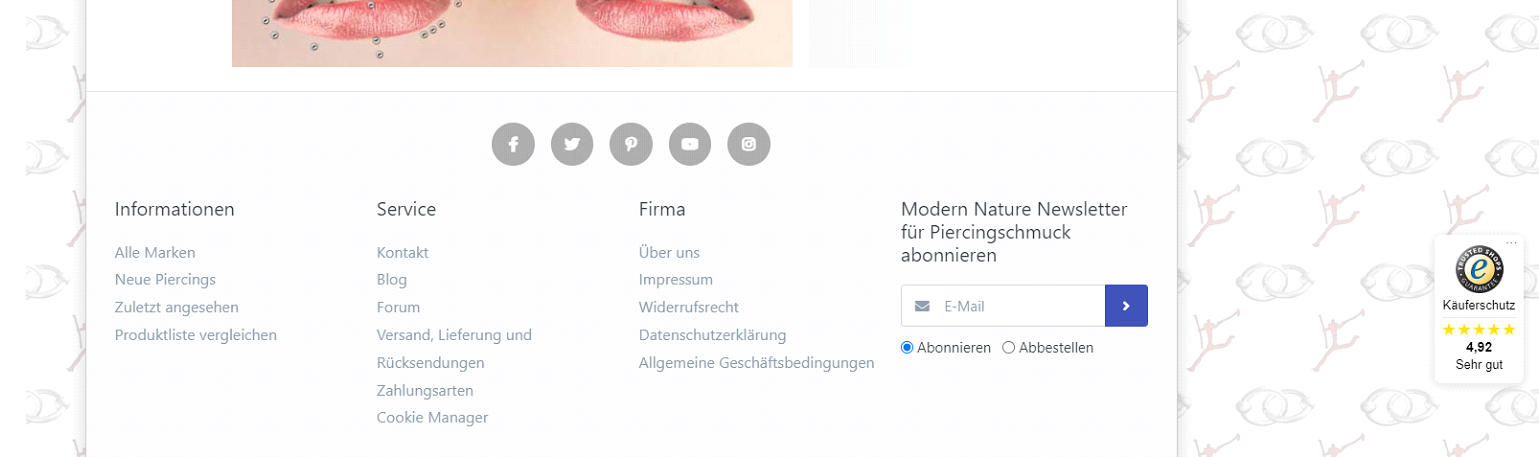
With the Trusted Shops customer rating you see directly in the store a compact summary of the ratings in the form of a maximum of five stars, a written out school grade as well as an index from 1.00 to 5.00! Each store can decide for itself how and where the ratings are displayed. Ideally, the stars are already visible in the Google search results and are displayed on every page of the online store. If you click on the widget, the detailed rating profile provided by the URL https://www.trustedshops.com will open. These reviews are collected testimonials from your customers regarding the ordering/purchasing process, as well as the quality of the purchased products.
Checkout process
In the checkout process, the customer must indicate whether he wants to use the Trusted Shops customer protection and he agrees with a reminder (mail) to the store rating.

Buyer protection after purchase confirmation
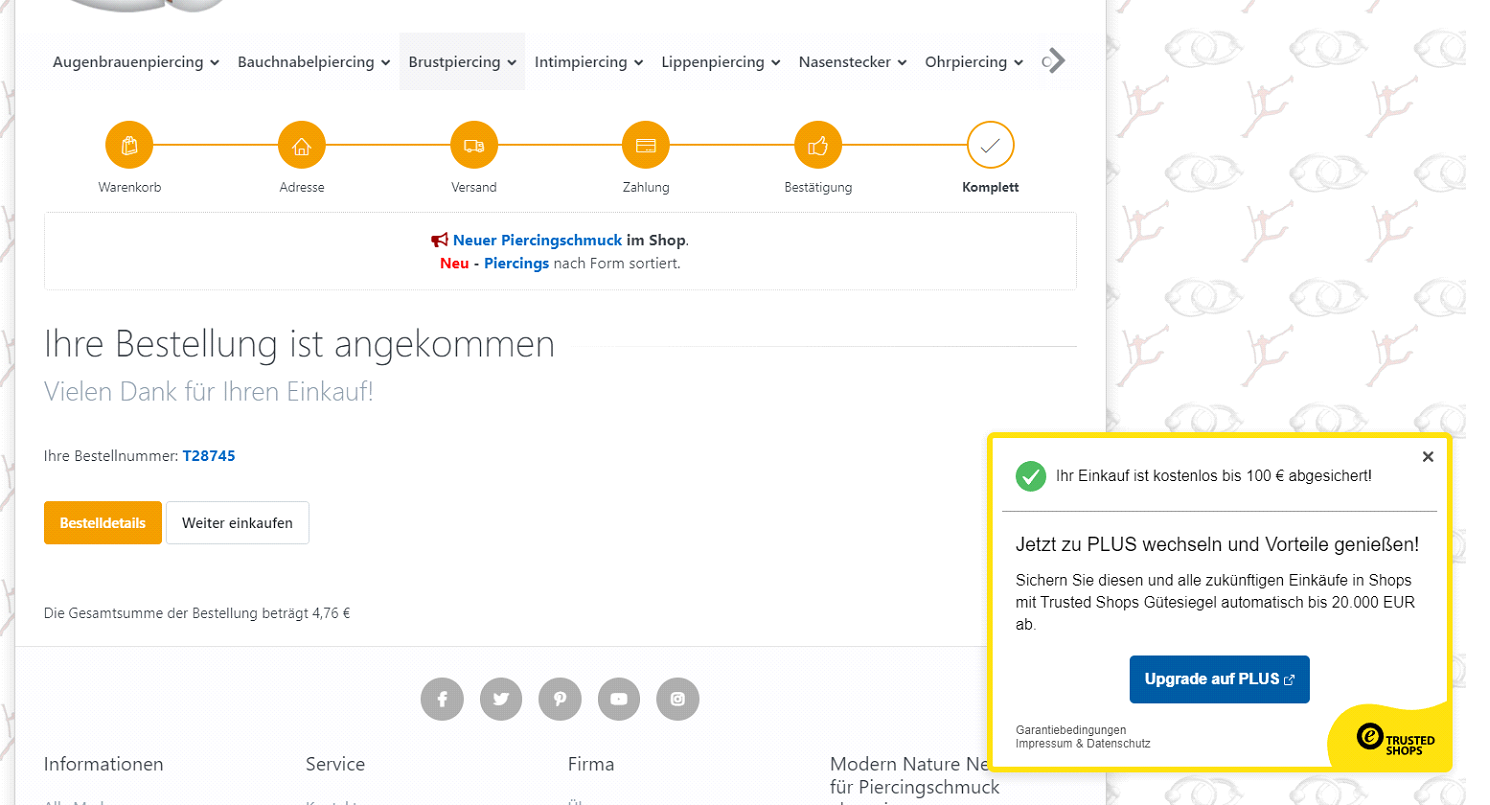
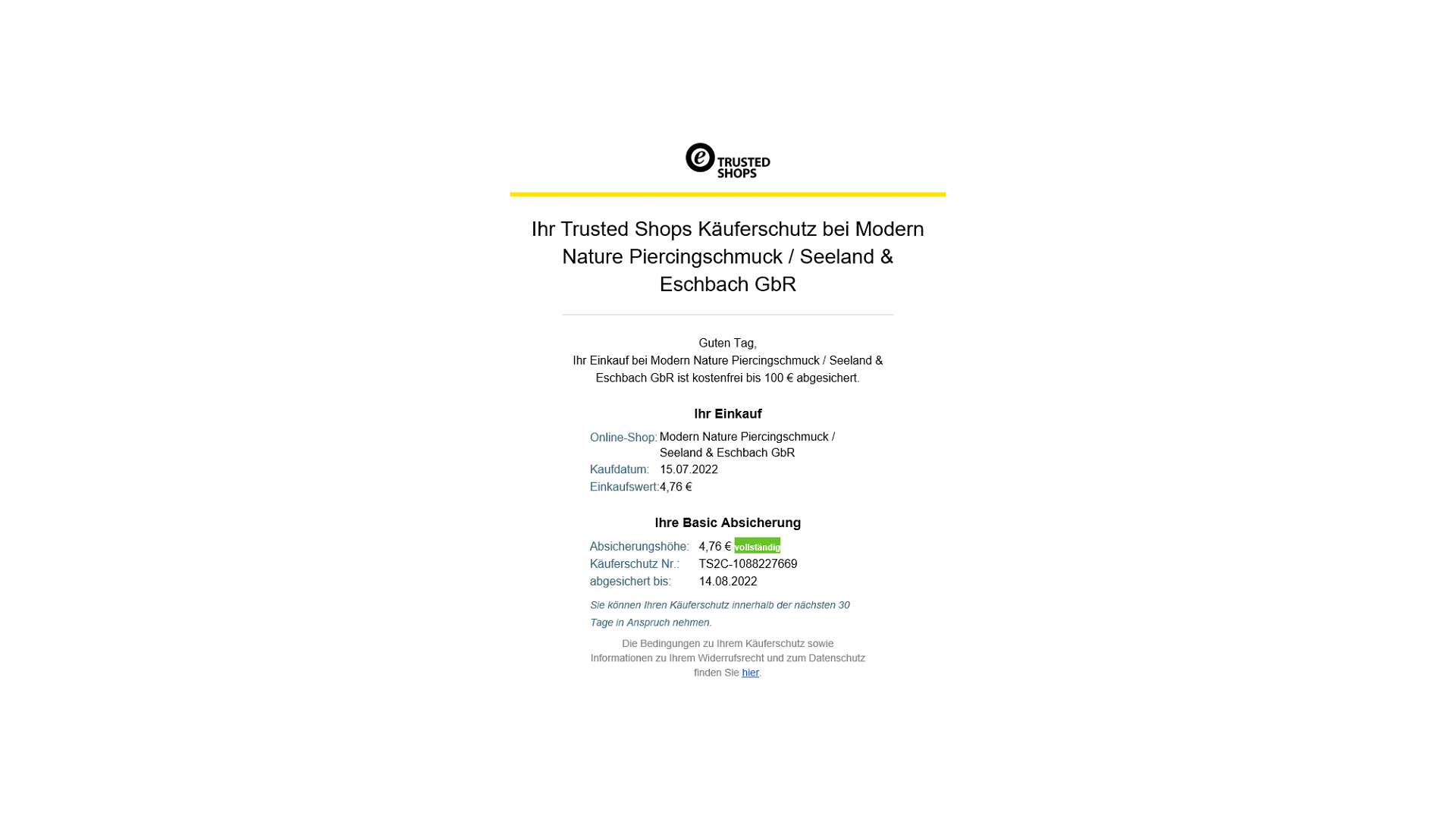
After the purchase confirmation, the customer is shown the granted Trusted Shops buyer protection. The amount of buyer protection depends on the terms agreed with Trusted Shops. Optionally, the customer can increase the buyer protection for a fee. With the completion of the order, the customer receives a confirmation email from Trusted Shops.

Demo mode
You can test this plugin extensively before buying it. Simply download the plugin for free. After the plugin is installed in your store, it is initially in demo mode.
In demo mode, the plugin is fully functional for a trial period of 30 days, unless otherwise specified. During and also after the trial period you have the possibility to unlock the plugin to a full version by purchasing a license key.
The Trusted Shops Widgets plug-in is available through the Smartstore Marketplace
Do you have any questions about “Trusted Shops”? Or would you like to send us your feedback? Then you can reach us via the contact form, by e-mail to info@smartstore.com or by phone from Monday to Friday between 10 a.m. and 4 p.m. at +49 231 5335 0.